 NEXAURA STORES

 Sell on Nexaura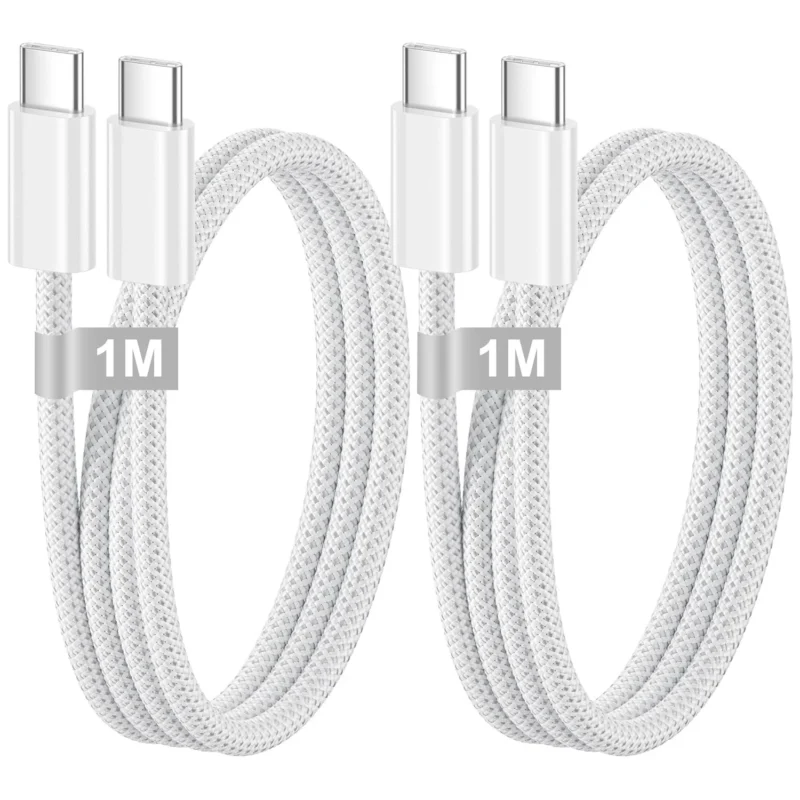
NEXAURA BUYING GUIDE
USB-C Cables Explained: Which Ones Are Worth Buying (UK Guide 2026)
Not all USB-C cables are the same. Here is how to read the numbers that matter — wattage, amps and length — and the budget cables genuinely worth your money.
USB-C has become the universal connector. Phones, tablets, laptops, earbuds, keyboards — almost everything you own either charges or syncs through that small oval plug. It is a genuine improvement over the old tangle of Micro-USB, Lightning and proprietary bricks, and since the EU made it the standard, most new devices ship with one.
But here is the catch nobody mentions: two cables that look identical can perform completely differently. One will fast-charge your phone at full speed; the other will trickle-charge it so slowly you wonder if it is broken. The difference is not the brand or the price — it is the specifications printed (or not printed) on the packaging. Once you know which numbers to look for, buying a cable becomes a two-minute decision.
First: USB-C is a shape, not a specification
The most useful thing to understand is that “USB-C” only describes the shape of the plug. It tells you nothing about how much power the cable can carry or how fast it can move data. A cable can have USB-C plugs on both ends and still be a slow, basic cable — or a fast, fully capable one. Everything that matters lives in the specifications inside.
That is why the cheapest unbranded cables often disappoint. They are built to the minimum: thin wiring that barely handles standard charging, no fast-charge support, and connectors that loosen after a few months. The cable itself becomes the bottleneck in your charging setup, and no amount of plugging it into a fancy charger will fix that.
The number that matters most: wattage
For charging, wattage (W) is the headline number. It tells you the maximum power the cable can safely deliver from your charger to your device. The simple rule: your cable’s wattage must meet or exceed what your device and charger can use, otherwise you never see full-speed charging.
In practice, most phones fast-charge between 18W and 65W. A 60W-rated cable covers the vast majority of smartphones, tablets, earbuds, power banks and even many slim laptops. If you own a high-powered gaming laptop or a flagship that pushes beyond 65W, you would want a 100W cable — but for everyday devices, 60W is the sweet spot where price and capability meet.
Amps and Power Delivery: what 3.0A means
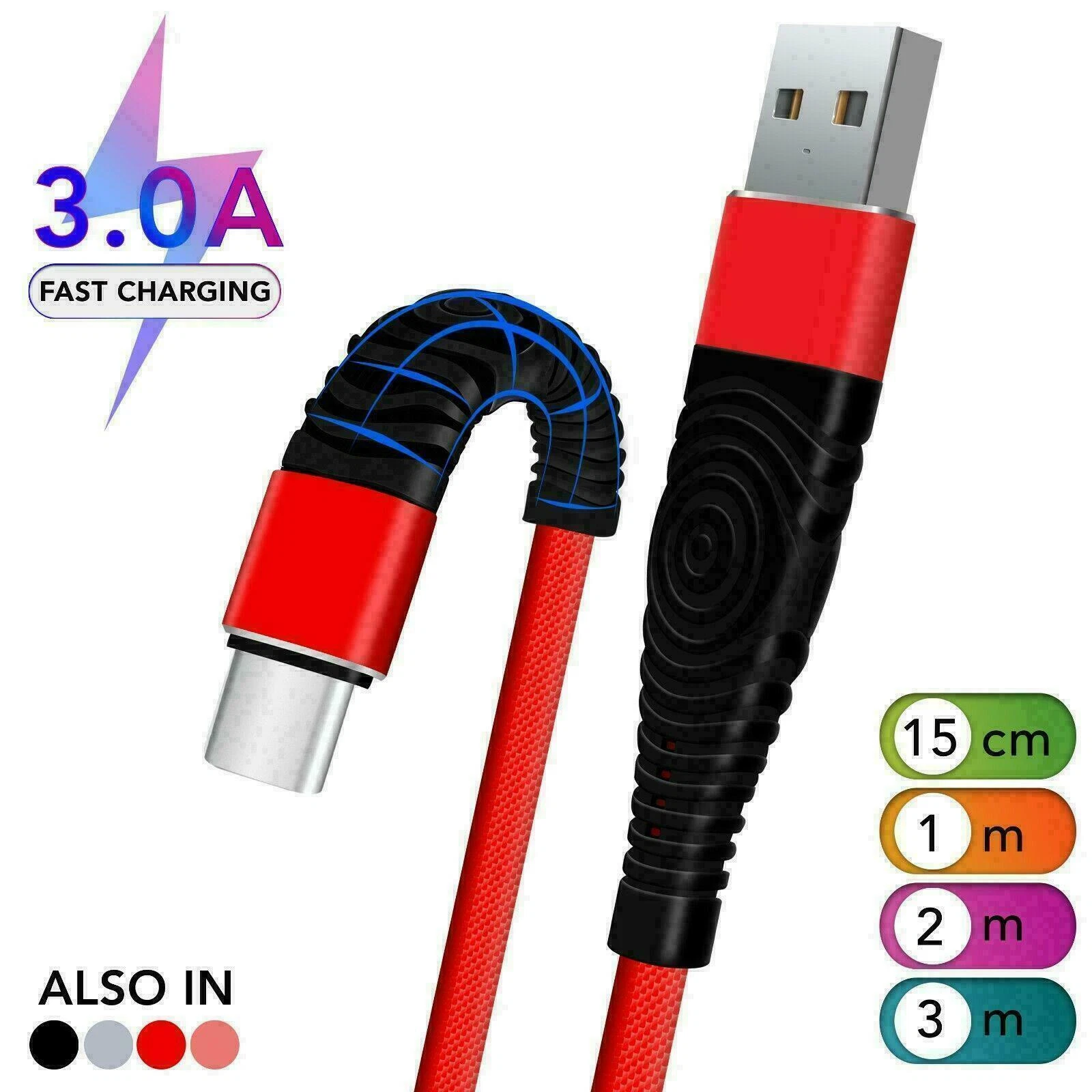
You will often see cables rated at 3.0A (three amps). Amps are the current the cable can carry; combined with voltage, they determine the wattage. A 3.0A cable supporting USB Power Delivery (PD) can hit 60W, which is why “3.0A PD” on a listing is exactly what you want to see for fast charging.
Cheap cables that skip Power Delivery support will charge your phone, but only at the old slow 5W–10W rates — your phone’s “fast charging” indicator may never appear. If a cable listing does not mention fast charging or PD, assume it is a slow cable and move on.
Data speed: the number most people ignore
Every USB-C cable also carries data, and here the range is enormous. A basic charging-focused cable moves data at USB 2.0 speeds (480 Mbps) — fine for syncing a few photos or a playlist. Premium cables support USB 3.x or higher for far faster transfers, but they cost significantly more.
For most buyers, this is a secondary concern. If your cable’s main job is charging your phone overnight, USB 2.0 data is perfectly adequate and there is no reason to pay extra. Only pay for high-speed data cables if you regularly transfer large video files, backups or RAW photos between devices.
Nylon braided vs plain rubber: does the jacket matter?
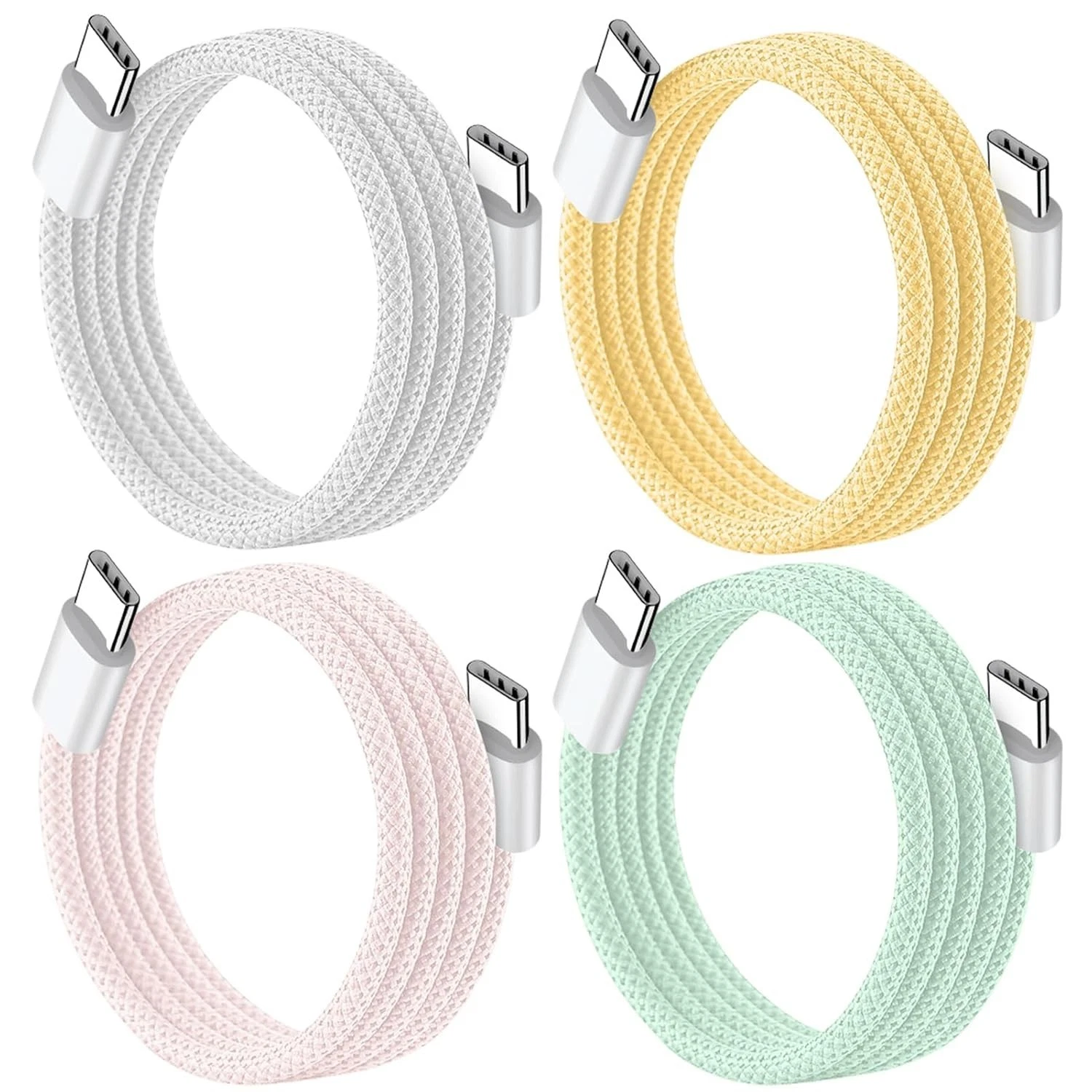
Yes — more than most people expect. The jacket is the cable’s first line of defence, and it takes all the abuse: being yanked from sockets, crushed under bags, bent at sharp angles behind desks. A braided nylon jacket resists fraying and kinking far better than smooth rubber, which tends to split at the stress points near the connectors.
Braided cables also tangle less, which sounds trivial until you have spent your morning untangling a rubber cable from your bag. The premium for braiding is usually tiny — a pound or two — and it genuinely extends the cable’s life. Reinforced connector necks (the little tapered bit where the cable meets the plug) are another quality signal worth looking for.
Length: 1m, 2m or 3m?
Cable length is a practical choice, not a quality one. One metre is ideal for a desk setup, a power bank or a car — short enough to stay tidy. Two metres is the all-rounder: it reaches the sofa, the bed, the far side of the desk. Three metres suits awkward rooms, hotel beds and anywhere the nearest socket is unreasonably far away.
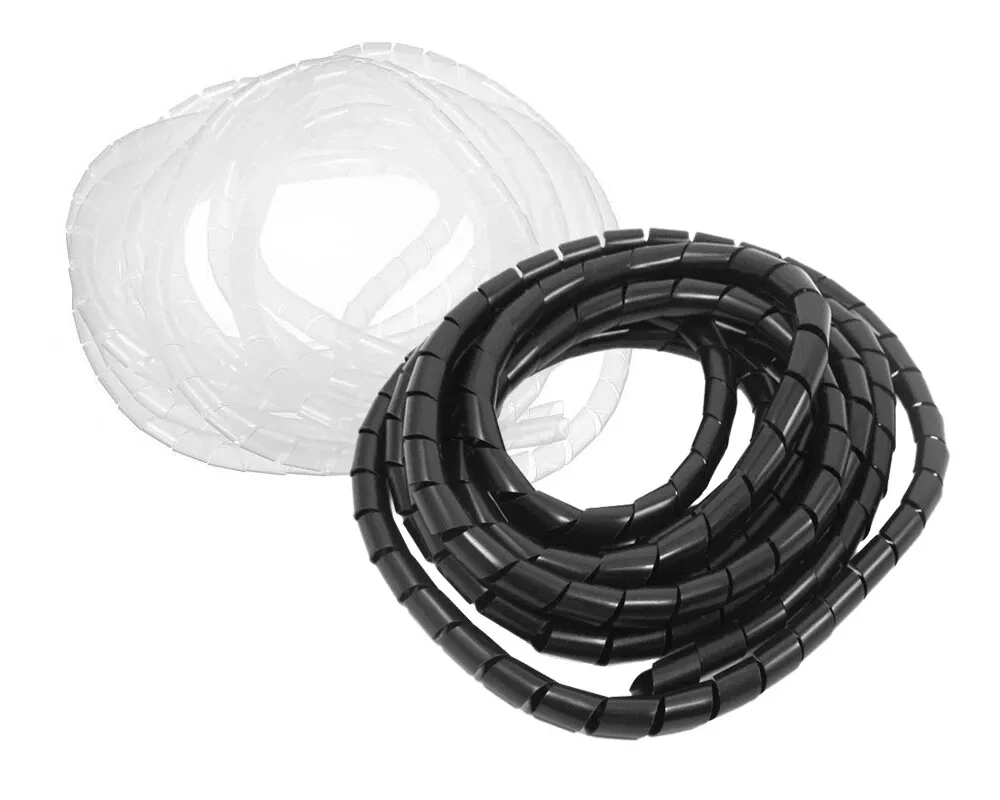
One caution: very long cheap cables can lose a little charging efficiency, and a 3m cable is three times the cable to tangle. Buy the length you actually need, not the longest one “just in case”. And if you buy multiple lengths, a simple spiral cable tidy keeps the longer runs from turning your desk into a nest.
OUR PICK
USB-C to USB-C Fast Charging Cable 2-Pack (1M, Nylon Braided, 60W) — £10.77
Everything that matters in one listing: 60W fast charging for phones, tablets and laptops, tough nylon braiding, and a 2-pack so you have one for the desk and one for the bag — all for less than the price of a single premium-brand cable. The best-value USB-C cable buy in our catalogue.
USB-A to USB-C vs USB-C to USB-C
There are two common cable layouts. USB-C to USB-C connects modern chargers, laptops and power banks to modern devices, and it is the layout that supports the fastest charging. USB-A to USB-C connects to older chargers and ports — the chunky rectangular USB-A plug found on older laptops, car chargers and wall bricks.
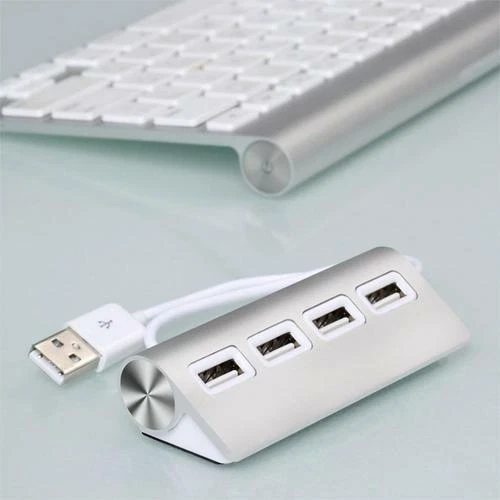
If your charger has a USB-C port (most new ones do), buy USB-C to USB-C cables. They charge faster and they are the future-proof choice. Keep one USB-A to USB-C cable around only for legacy ports. And if your laptop is short on ports entirely, a 4-port USB hub turns a single port into four for keyboards, mice and drives.
6 mistakes to avoid when buying USB-C cables
- Buying on plug shape alone. USB-C is just the connector. Always check the wattage and fast-charge support before buying.
- Pairing a fast charger with a slow cable. A 65W charger cannot fast-charge through a 10W cable. The cable, the charger and the device all have to support fast charging for it to work.
- Ignoring the amp rating. Look for 3.0A or higher with Power Delivery support — that is the fast-charging combination.
- Choosing the cheapest rubber cable. It frays at the connectors within months. Braided nylon costs barely more and lasts far longer.
- Buying one cable for everything. A 1m cable for the desk, a 2m for the sofa — different spots need different lengths. A 2-pack solves this in one purchase.
- Assuming expensive means better. Big-brand cables can cost £20+ for the same 60W braided spec you can get for under £11. Read the numbers, not the logo.
How to make your cables last for years
- Pull by the plug, never the cable. Yanking the cord stresses the wiring inside the connector — the number one cause of cable death.
- Avoid tight bends at the connector. Do not fold the cable sharply where it meets the plug; that is where internal wires snap.
- Coil loosely for travel. A loose loop beats a tight wrap. Cable organisers and spiral wraps stop bag-tangles from stressing the cable.
- Keep them out of the chair wheels. It sounds obvious, but desk cables crushed under chair wheels fail fast — route them tidily.
Frequently asked questions
Are all USB-C cables the same?
No. USB-C only describes the plug shape. Cables differ in charging wattage (from 10W to 240W), data speed (USB 2.0 to USB4/Thunderbolt), build quality and length. Two identical-looking cables can charge at completely different speeds.
What wattage USB-C cable do I need for my phone?
A 60W cable covers almost every smartphone and tablet on sale in 2026, including fast-charging flagships. Only high-power laptops typically need more (100W+). Match the cable to your charger and device — the slowest of the three decides your actual charging speed.
Why is my phone charging slowly with a new cable?
The usual cause is a cable without Power Delivery (PD) fast-charge support, or a low amp rating. A basic cable limits charging to slow 5W–10W speeds even with a fast charger. Switch to a 3.0A PD-rated cable and check your charger is also fast-charge capable.
Do braided USB-C cables actually last longer?
Yes. Braided nylon resists fraying, kinking and abrasion far better than smooth rubber jackets, especially at the stress points near the connectors where most cables fail. The price premium is small and the lifespan gain is significant.
Is a longer USB-C cable worse for charging?
Slightly. Very long cables (2–3m) from budget brands can lose a little charging efficiency compared to 1m cables, and they tangle more. The difference is small with a decent-quality cable — buy the length you need, and prefer braided cables at longer lengths.
Can a cheap USB-C cable damage my phone?
A very poor-quality cable with bad wiring can overheat or charge unreliably, though outright damage is rare with modern phones’ built-in protection. The bigger risk is wasted money: a £3 cable that fails in two months costs more than a £10 braided cable that lasts years. Buy from a reputable seller with clear returns.
POWER UP YOUR SETUP
Shop Electronics at Nexaura Stores
Cables, hubs, chargers and mobile accessories — secure checkout and UK delivery as standard.