 NEXAURA STORES

 Sell on Nexaura
NEXAURA BUYING GUIDE
How to Clean Wireless Earbuds Properly (and Make Them Last)
Earwax, sweat and pocket lint are quietly killing your earbuds’ sound and battery life. Here’s the right way to clean them — and the mistakes to avoid.
Wireless earbuds live in one of the harshest environments a gadget can face: your ears. Between earwax, sweat, skin oils and pocket dust, even a brand-new pair starts collecting grime from day one. Left alone, that build-up muffles sound, clogs microphones, corrodes charging contacts and can shorten battery life — which is why a pair that sounded great in January can feel tired and quiet by June.
The good news? A proper clean takes ten minutes and costs almost nothing. This guide walks you through exactly what to use, what to avoid, and how often to do it, so your earbuds keep sounding like they did on day one.

Why your earbuds sound worse than they used to
Before you assume your earbuds are dying, check for the most common culprit: blocked speaker mesh. Earwax compacts over the tiny mesh covering each driver, and because the mesh is so fine, even a thin film noticeably dulls treble and volume. Sweat and oils add another layer — they attract dust, which mixes into a residue that’s far harder to shift if left for months.
The charging contacts suffer too. The little metal dots on each bud and inside the case can develop a film of oil and oxidation. When that happens you get the classic symptoms: one bud won’t charge, the case reports full when it isn’t, or buds disconnect because they were never properly seated on dirty contacts. Regular cleaning prevents all of it.
What you’ll need
You don’t need a special kit — most of this is already in your home:
- Dry microfibre cloth for the outer shells and case.
- Cotton buds for speaker mesh, crevices and charging contacts.
- A soft dry toothbrush (a clean one) to loosen dried debris from the mesh.
- Isopropyl alcohol (70%), used sparingly on a cotton bud — never poured directly on the buds.
- A wooden toothpick for stubborn build-up around ear-tip edges — used gently, never jammed into the mesh.
Step-by-step: cleaning the earbuds
1. Remove the ear tips
Pull the silicone tips straight off each bud — they come away easily on almost every model. This is where the bulk of the wax hides, both inside the tip and on the bud nozzle underneath. Rinse the silicone tips in warm water with a drop of washing-up liquid, then leave them to air-dry completely before refitting. Never put tips back on while damp: trapped moisture breeds mould and can creep into the driver.
2. Brush the speaker mesh
Hold each bud with the mesh facing down so debris falls out rather than in. Use the dry toothbrush with light strokes to dislodge wax from the mesh, then roll a dry cotton bud over it to lift the residue. For compacted wax, dampen — not soak — a cotton bud with a drop of isopropyl alcohol and dab gently. Alcohol evaporates quickly, which is why it’s safe here where water is not.
3. Clean the charging contacts
Wipe the small metal contacts on each bud with a cotton bud very lightly dampened with isopropyl alcohol. Do the same for the contact pins inside the charging case. Dirty contacts are the number-one cause of “my left earbud won’t charge” — and the fix takes thirty seconds.
4. Wipe the outer shells
Finish with the microfibre cloth over the outer shells, sensors and touch-control surfaces. Skin oils build up here and can make touch controls less responsive. If there’s a water-resistant coating, the alcohol-damp cotton bud handles the stubborn spots — just keep liquids away from any microphone holes.
Don’t forget the charging case
The case is half the product and most people never clean it. Shake out any loose dust first, then use a dry cotton bud in the charging wells where the buds sit — lint compacts in there and stops buds seating properly. Wipe the outer case with a microfibre cloth, and clean the hinge and lid edges with a dry brush, since grime there stops the lid closing flush and drains the case battery.

5 cleaning mistakes that damage earbuds
- Running them under the tap. Even water-resistant buds are not designed to be washed; water forced through the mesh ruins drivers.
- Using sharp metal tools. Pins and needles puncture speaker mesh instantly — stick to wood and soft bristles.
- Soaking in alcohol or sanitiser. A barely-damp cotton bud is safe; a bath dissolves adhesives and coatings.
- Blowing compressed air directly at the mesh. It drives wax deeper into the driver instead of out.
- Putting damp tips back on. Moisture trapped under a tip damages the bud and smells terrible within days.
How often should you clean them?
A realistic schedule: wipe the ear tips after every workout or heavy-sweat session, brush the mesh and contacts once a week, and do the full ten-minute deep clean — case included — once a month. Daily wearers and gym users should double that frequency; light office users can stretch it. If one side suddenly sounds quieter, clean before you assume anything’s broken — nine times out of ten it’s wax.

When cleaning isn’t enough
Silicone ear tips wear out — after a few months of daily use they lose their seal, which means thinner bass and buds that slip. If cleaning no longer restores the fit, it’s the tips, not the buds. Likewise, if a driver still sounds dull after a thorough mesh clean, wax may have migrated past the mesh; at that point a replacement pair is usually cheaper than repair. Budget earbuds typically give 1–2 years of good service with decent care, so don’t sink money into rescuing a worn-out pair.
OUR PICK
TWS Bluetooth 5.4 Headset with Ear Hooks — $10.99
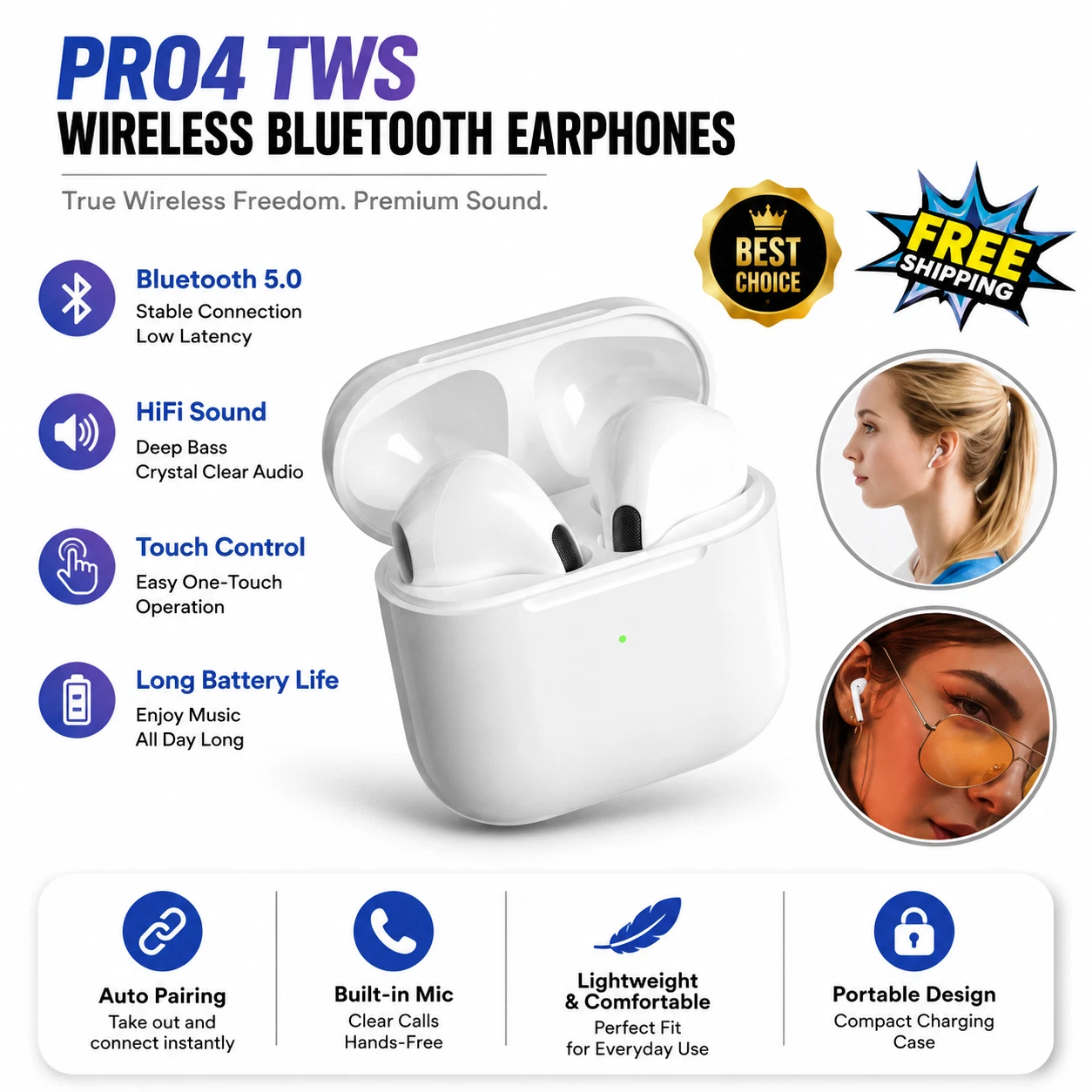
Modern Bluetooth 5.4 for a stable, efficient connection, a secure ear-hook fit that survives workouts, stereo sound for music and podcasts, and a built-in microphone for hands-free calls. Removable silicone tips make weekly cleaning easy — exactly the design we recommend in this guide. Also available as a classic in-ear pair with charging case: True Wireless Bluetooth Earbuds, $17.32.
Frequently asked questions
Can I use water to clean my earbuds?
Only the removable silicone tips should ever touch water — rinse them separately and dry fully before refitting. The buds themselves should be cleaned dry or with a barely-damp cotton bud of isopropyl alcohol, which evaporates quickly.
Why does one earbud sound quieter than the other?
Almost always earwax on the speaker mesh. Brush the quiet bud’s mesh with the bud facing down and it usually recovers immediately. If it doesn’t, swap the ear tips between sides to rule out a worn tip before assuming a fault.
How do I clean earwax out of earbud tips?
Pull the tips off, rinse them in warm water with a drop of washing-up liquid, and air-dry completely. For the bud nozzle underneath, use a dry cotton bud — never push wax further in with a pin.
My left earbud won’t charge — is it broken?
Probably not. Clean the charging contacts on the bud and inside the case with a cotton bud lightly dampened with isopropyl alcohol. Dirty contacts are the most common cause of one-sided charging failures.
Can cleaning make my earbuds last longer?
Yes — noticeably. Clean contacts prevent charging failures, a clear mesh preserves sound quality, and dry storage protects the battery. With a monthly deep clean, budget earbuds reliably reach 1–2 years of good service instead of fading in months.
Are alcohol wipes safe for earbuds?
Occasional, gentle use is fine on hard shells and contacts, but don’t scrub speaker mesh with a wet wipe — it pushes liquid and wax into the driver. A cotton bud with a drop of 70% isopropyl gives you far better control.
READY TO UPGRADE YOUR AUDIO?
Shop Electronics at Nexaura Stores
Earbuds, smart watches and mobile accessories — secure checkout and UK delivery as standard.