 NEXAURA STORES

 Sell on Nexaura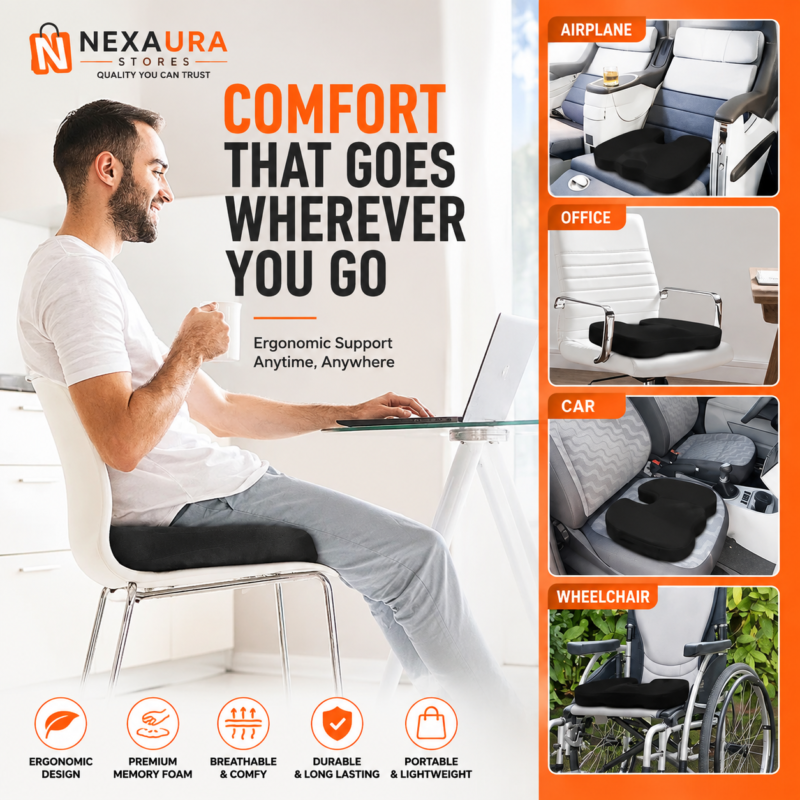
NEXAURA BUYING GUIDE
Home Office Setup Under £50: Budget Essentials That Actually Work (UK Guide 2027)
A proper home office does not require a standing desk and a four-figure budget. Here is how to build a comfortable, productive setup for under £50 — with picks that solve real problems.
Working from home is here to stay in the UK, and plenty of people are doing it from a dining chair with a laptop balanced on a stack of books. That setup ‘works’ for a week. After a month, your neck, back and wrists will tell you a different story. The good news: fixing the biggest pain points costs far less than you think. You do not need an ergonomic chair costing £300 or a monitor arm. The essentials — comfort, input devices, connectivity and cable management — can all be sorted for less than the price of a single tank of petrol.
This guide focuses on upgrades under £50 in total. Every recommendation targets something you will feel the benefit of every single workday, and every product is available right now from Nexaura Stores with UK delivery. We have even done the maths for you at the end: five upgrades, £48.01 all in.
1. Start with comfort: the chair you already own
An expensive ergonomic chair is the single biggest home-office expense, and it is the one most people cannot justify. But the part of a chair that actually causes problems for most home workers is not the frame — it is the flat, hard seat. Sitting on a dining chair or a basic office chair for eight hours compresses your tailbone (coccyx) and forces your lower back to round. A memory foam seat cushion fixes exactly this for about a tenner: it distributes your weight, supports your posture and takes the pressure off the base of your spine.
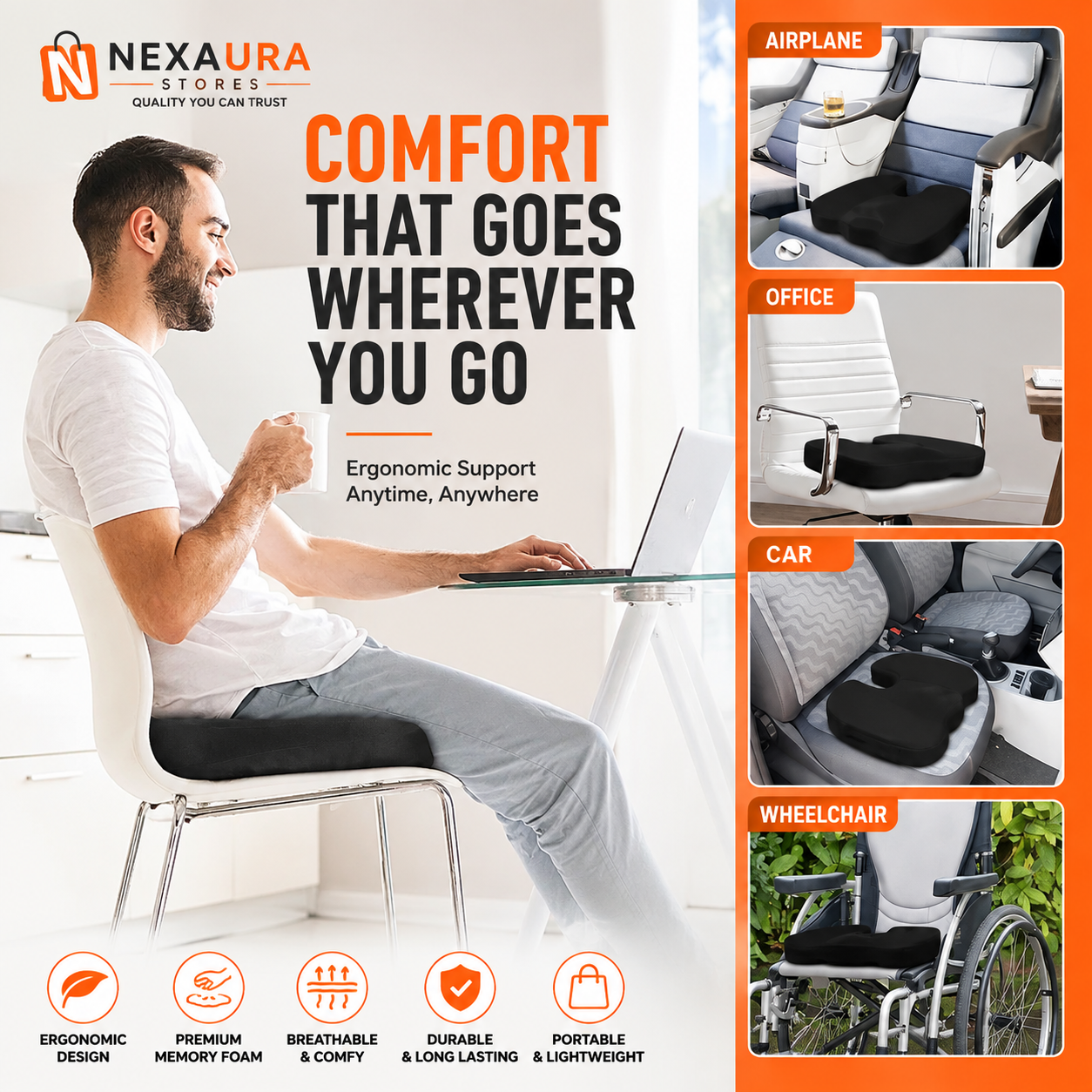
Memory foam matters because it responds to heat and pressure, moulding to your shape instead of flattening like a cheap foam pad. The contoured cut-out design supports your sitting bones while leaving space for the coccyx, which is what stops the ‘numb bum’ feeling by mid-afternoon. It works on office chairs, dining chairs, car seats and even garden chairs — anywhere you sit for long stretches. Pair it with a posture support brace on days when you catch yourself hunching, and you have covered the two biggest comfort problems of cheap seating for about £23 combined.
OUR PICK
Memory Foam Seat Cushion — Coccyx & Tailbone Pain Relief for Office Chairs — £9.99
High-density memory foam with a contoured coccyx cut-out for genuine all-day comfort on any chair. Non-slip base keeps it in place, and the breathable cover comes off for washing. The cheapest meaningful upgrade in this entire guide.
2. Upgrade the thing you touch all day: your mouse
Most home workers use whatever mouse came with the laptop, or a cheap trackpad, for hours every day. An uncomfortable mouse is a direct route to wrist ache and the slow, repetitive strain that builds up over months. You do not need a £80 ergonomic vertical mouse to fix this — a well-shaped wired mouse with adjustable sensitivity is a massive step up from a laptop touchpad, and it costs less than two coffees.

A 5500 DPI sensor with adjustable sensitivity lets you tune cursor speed precisely, so small wrist movements do the work instead of full-arm swipes. Seven programmable buttons sound like a gamer feature, but for office work they are genuinely useful: bind copy, paste, browser back and mute, and you will cut hundreds of repetitive keystrokes a day. The ergonomic shape fills the palm properly, the braided cable and LED breathing light make it feel far more premium than its price, and wired means no batteries and zero lag — ideal for video calls and spreadsheet work.
WORK-DAY PICK
5500 DPI Gaming Mouse — 7 Button USB Wired with LED Breathing Light — £7.34
Adjustable high-sensitivity sensor for precise control, seven programmable buttons to shortcut repetitive tasks, and an ergonomic shape that keeps your hand comfortable through full workdays. Wired USB means no batteries and no lag.
3. Fix the port shortage: hubs and easy charging
Modern laptops are wonderful and maddening in equal measure: wonderful to carry, maddening because they ship with two ports and a dream. If your setup includes a mouse, a keyboard, a phone cable and a headset, you are already out of ports. Constantly swapping cables is annoying, and running everything off a daisy chain of cheap adapters is a recipe for intermittent disconnects. A compact four-port USB hub solves this permanently for about £11.
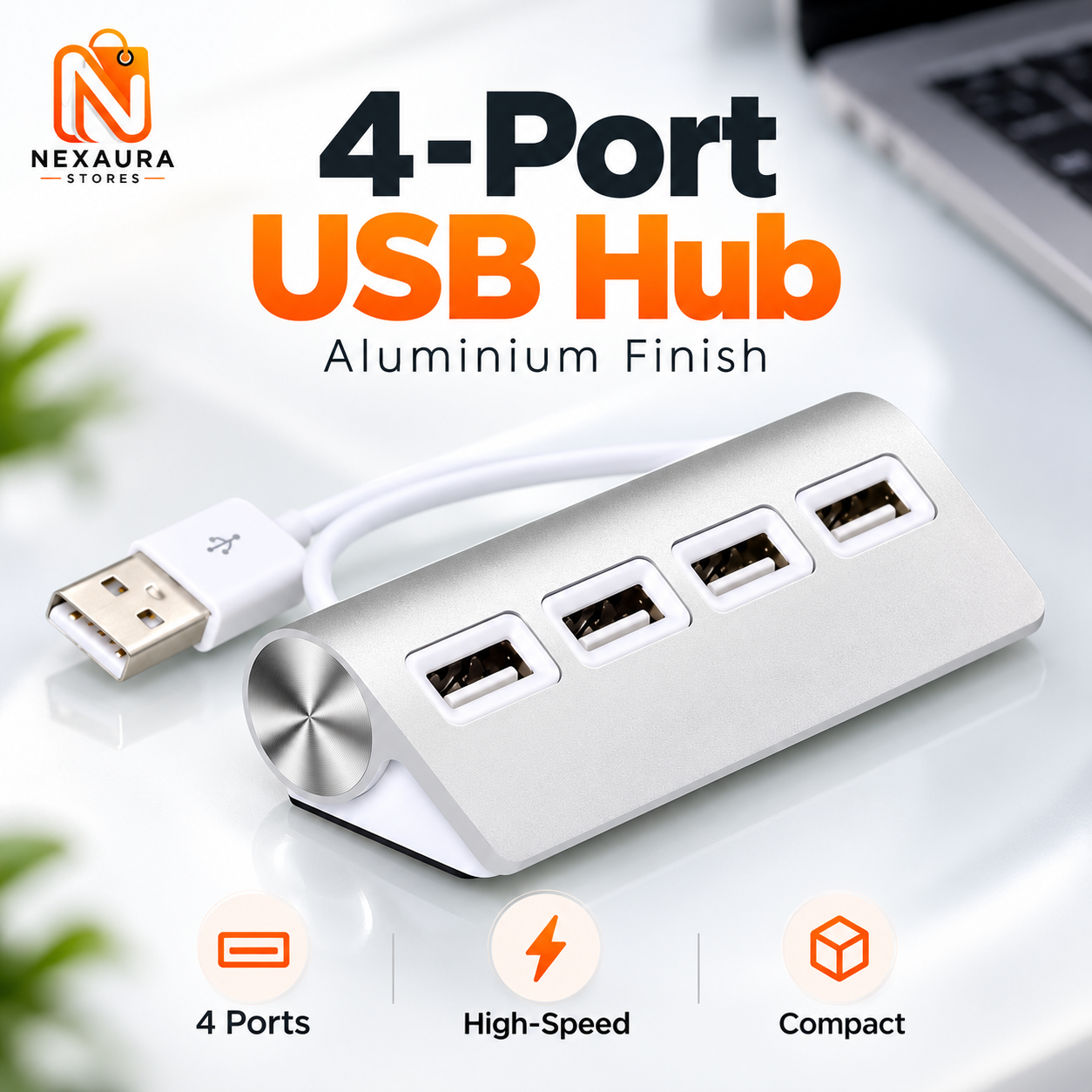
Look for an aluminium-body hub rather than the cheapest plastic alternative: the metal body dissipates heat better and the unit stays put on your desk instead of sliding around. Four extra high-speed ports handle your mouse, keyboard, headset dongle and a charging cable at once, and it draws power from the laptop so there is no extra plug to find. For phones, a separate wireless Qi charging pad on the desk means your handset tops up passively all day — no cable to fumble for, and you always know exactly where your phone is when a call comes in.
CONNECTIVITY PICK
4-Port USB Hub — Aluminium Finish, High-Speed Splitter — £10.68
Adds four high-speed USB ports to any laptop in a slim aluminium enclosure that stays cool and stays put. Plug in mouse, keyboard, headset and a spare cable — done. Pair it with the Wireless Qi Charging Pad (£13.31) for passive desk charging.
4. Tame the cable spaghetti
Every home office eventually reaches the same state: a nest of charger cables, headset wires and power leads behind the desk that you dread touching. Beyond looking awful on video calls, tangled cables are a dust trap and a genuine trip hazard — and when something stops working, diagnosing it in a knot of leads is miserable. A ten-metre spiral wrap cable tidy turns that mess into a single neat bundle in about ten minutes.
The spiral design is better than rigid cable trunking for most people because you can add or remove a cable without dismantling the whole thing: twist the wrap open, drop the cable in, done. Ten metres is generous enough to bundle everything from desk to wall socket in one go, with plenty left over for the next gadget. At £8.01 it is one of the highest ‘satisfaction per pound’ purchases you can make for a workspace — you will notice it every single day.
TIDY-UP PICK
Spiral Wrap Cable Tidy 10m — Desk Cable Organiser — £8.01
Ten metres of flexible spiral wrap that bundles charger cables, headset leads and power cords into one neat run. Add or remove cables any time without tools. Instant visual upgrade for any desk.
5. Small comforts that make long days bearable
Once comfort, input and connectivity are sorted, the remaining budget is best spent on the small quality-of-life details. A USB coffee mug warmer keeps your tea or coffee at drinking temperature through long calls — a genuine productivity feature for anyone who reheats the same cup three times a day. The three-temperature control means you can dial in exactly how hot you like it, and it is powered by the USB hub you just bought, so no extra socket is needed.

A 360-degree flexible lazy-arm phone holder clamps to the desk and holds your phone at eye level for video calls, second-screen reference or just keeping notifications visible. It frees up desk space, saves you craning your neck down at a flat phone, and works just as well clamped to a headboard for evening reading. Both of these are the kind of upgrade you never knew you needed until you try one — and at £11.99 and £11.98 respectively, they still fit inside the budget.
The full £50 budget breakdown
Here is the complete shopping list, added up. Five upgrades, every one of which you will use every workday:
| Upgrade | Why it matters | Price |
|---|---|---|
| Memory Foam Seat Cushion | All-day sitting comfort | £9.99 |
| 5500 DPI Wired Mouse | Wrist-friendly precision | £7.34 |
| 4-Port USB Hub | Ends the port shortage | £10.68 |
| Spiral Wrap Cable Tidy | Tidy, safe cables | £8.01 |
| USB Mug Warmer | Hot drinks all day | £11.99 |
| Total | £48.01 | |
That leaves £1.99 of headroom — which, admittedly, will not buy you much else. The honest version of this guide: comfort and connectivity come first, everything else is a bonus. If your budget stretches slightly further, the Posture Support Brace (£13.31) and the Wireless Qi Charging Pad (£13.31) are the two upgrades we would add next.
Frequently asked questions
Can you really set up a home office for under £50?
Yes — if you focus on the highest-impact upgrades. A memory foam seat cushion, a decent wired mouse, a USB hub, cable management and a mug warmer total £48.01 and solve comfort, input, connectivity and tidiness: the four problems that affect daily work the most. You will not get an ergonomic chair or a monitor arm for that money, but you will get a setup that is dramatically more comfortable than a bare laptop.
What is the single best home-office upgrade under £10?
A memory foam seat cushion. At £9.99 it directly improves the thing you do for the most hours — sitting — and it works on whatever chair you already own. Nothing else under a tenner changes your working day as much.
Do I need a USB hub for a home office?
If your laptop has two or fewer ports and you use a mouse, keyboard, headset and phone cable, yes. A four-port hub costs around £11 and ends the daily cable-swapping dance. Choose an aluminium-body model so it stays cool and does not slide off the desk.
How do I keep my desk cables tidy without drilling or trunking?
Spiral wrap cable tidy is the simplest answer: twist it around your cables to bundle them into a single neat run, with the option to add or remove leads any time. Ten metres costs about £8 and covers everything from desk to socket.
Is a gaming mouse actually good for office work?
Surprisingly, yes. The high-DPI sensor gives precise cursor control, the ergonomic shape supports full-day use, and the extra buttons can be mapped to copy, paste and mute — shortcuts that save hundreds of repetitive actions a week. A wired model also means no batteries and no input lag on video calls.
READY TO BUILD YOUR SETUP?
Shop Home Office Essentials at Nexaura Stores
Desk comfort, connectivity and clever little upgrades — secure checkout and UK delivery as standard.